Visual Object Editors
The easy-to-use visual Object Editors in Database Workbench makes it the ideal tool for database development. Instead of manually entering SQL statements, you can create objects using GUI based editors.
No need to remember specific MySQL, Oracle or PostgreSQL syntax, just create your database objects. These editors are consistent throughout all the supported database systems, including Firebird, InterBase, NexusDB, SQLite and MariaDB.
The editors create the SQL statements for you, either for the complete object or the changes you made.
- GUI tools to create database and schema objects
- Consistent across different database systems
- Create database objects quick and easy
- Preview automatically generated SQL statements
Table Editor
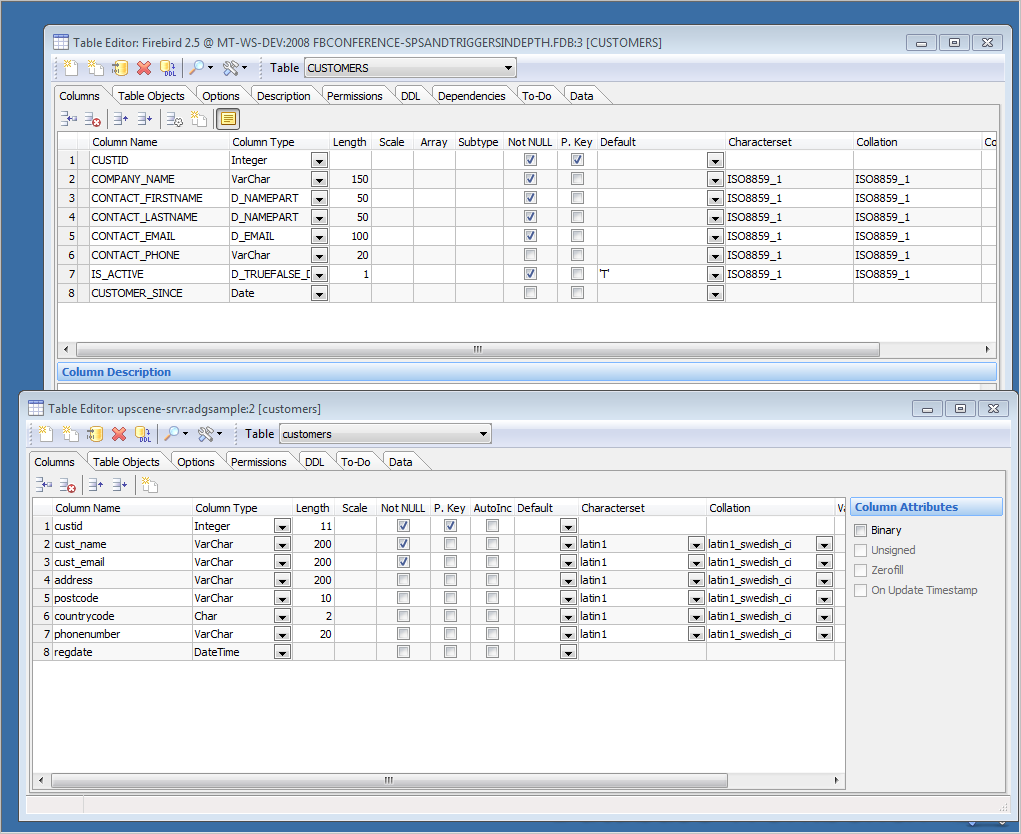
With the visual Table Editor in Database Workbench you can quickly create new tables or modify existing tables in your database. Enter column names, pick a data type, custom type or domain and modify other column properties.
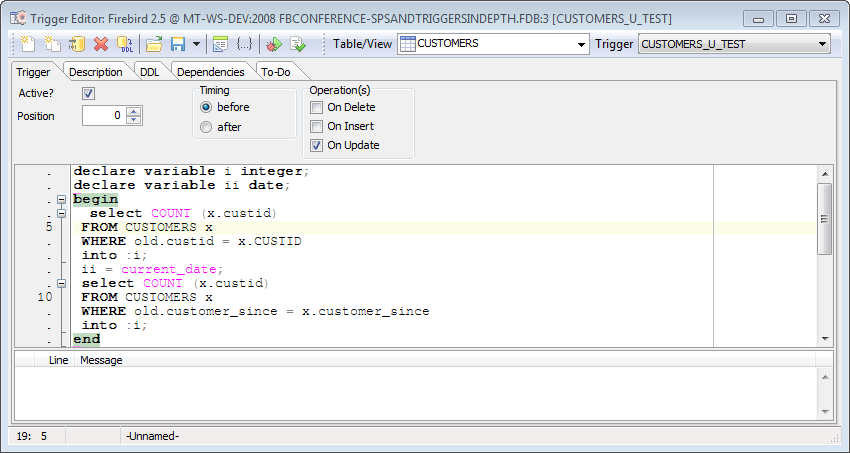
Create constraints, indices and triggers right from this window. Quickly select target tables and columns, change additional properties and the SQL statements are generated for you.
Some drag and drop is supported too. For example, copy columns from other tables by dragging those columns on top of a table editor.
Consistent across database systems
Database Workbench has separate editors for all the different types of database objects: tables, indices, views, triggers and so on. These visual editors are consistent across the different database systems and you don't have to type any SQL statements to create database objects.
- Use the GUI to create database and schema objects
- Generate SQL statements automatically
- Preview SQL statement for changes
Indices, Stored Procedures, Views and more...
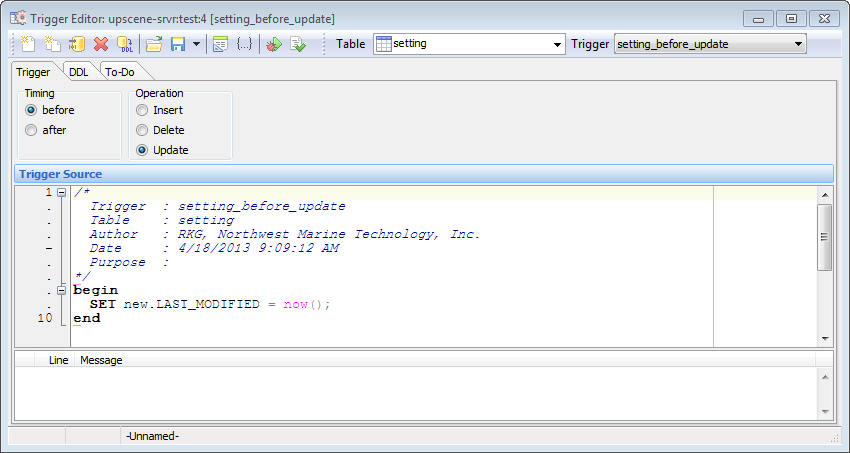
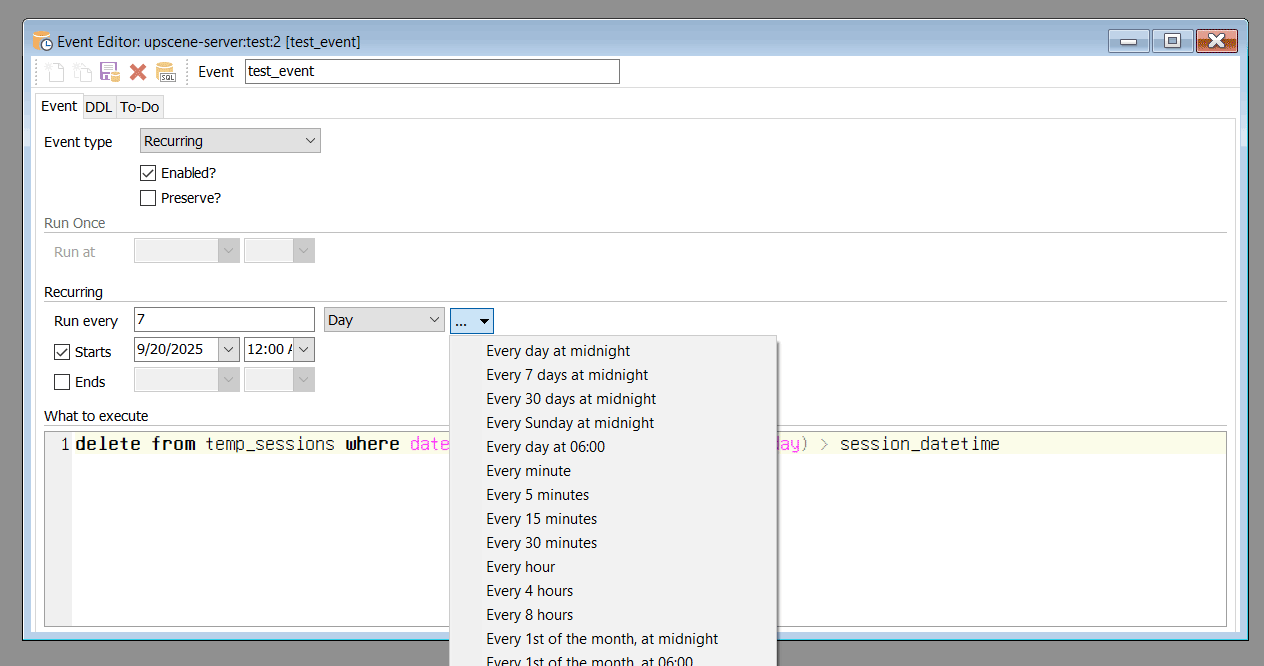
Database Workbench offers an editor for each type of database or schema object, aimed at making object editing quick and easy.
These editors give you drop down boxes with lists of character sets, shortcuts to often used or customizable options and templates for consistency.
Each editor includes a DDL tab that shows you the SQL statement for the object as is. There's no need to remember database specific SQL: it's generated automatically for you.